Choosing the right automation tool can significantly impact how efficiently your business operates.
If you are comparing Zapier, Make, and n8n, you are likely trying to automate repetitive tasks, reduce manual work, and improve productivity without hiring additional staff.
However, each platform works differently, and choosing the wrong one can lead to unnecessary costs or limitations.
In this guide, we break down Zapier vs Make vs n8n in detail, including features, pricing, ease of use, and real-world use cases, so you can choose the right tool for your needs.
What Are No-Code Automation Tools?
No-code automation tools allow you to connect apps and automate workflows without writing code.
For example:
- Automatically sending leads from a form to your CRM
- Posting content across platforms
- Syncing data between tools
If you’re looking to improve efficiency and reduce operational costs, automation tools like these play a key role in building scalable systems.
Quick Comparison Table
| Feature | Zapier | Make | n8n |
|---|---|---|---|
| Ease of Use | Very Easy | Moderate | Technical |
| Pricing | Expensive | Affordable | Free / Self-hosted |
| Flexibility | Medium | High | Very High |
| Best For | Beginners | Advanced users | Developers / power users |
| Hosting | Cloud | Cloud | Self-host / Cloud |
1. Zapier

What It Does
Zapier connects over 5,000 apps and allows users to create automated workflows called “Zaps.”
Real Use Case
A small business owner can automatically send new website leads into Google Sheets, notify Slack, and trigger a follow-up email.
Pricing
- Free plan available
- Paid plans start higher compared to competitors
Pros
- Extremely beginner-friendly
- Massive app ecosystem
- Fast setup
Cons
- Expensive at scale
- Limited flexibility for complex workflows
Best For
Beginners and small businesses that want quick, simple automation.
2. Make (formerly Integromat)
What It Does
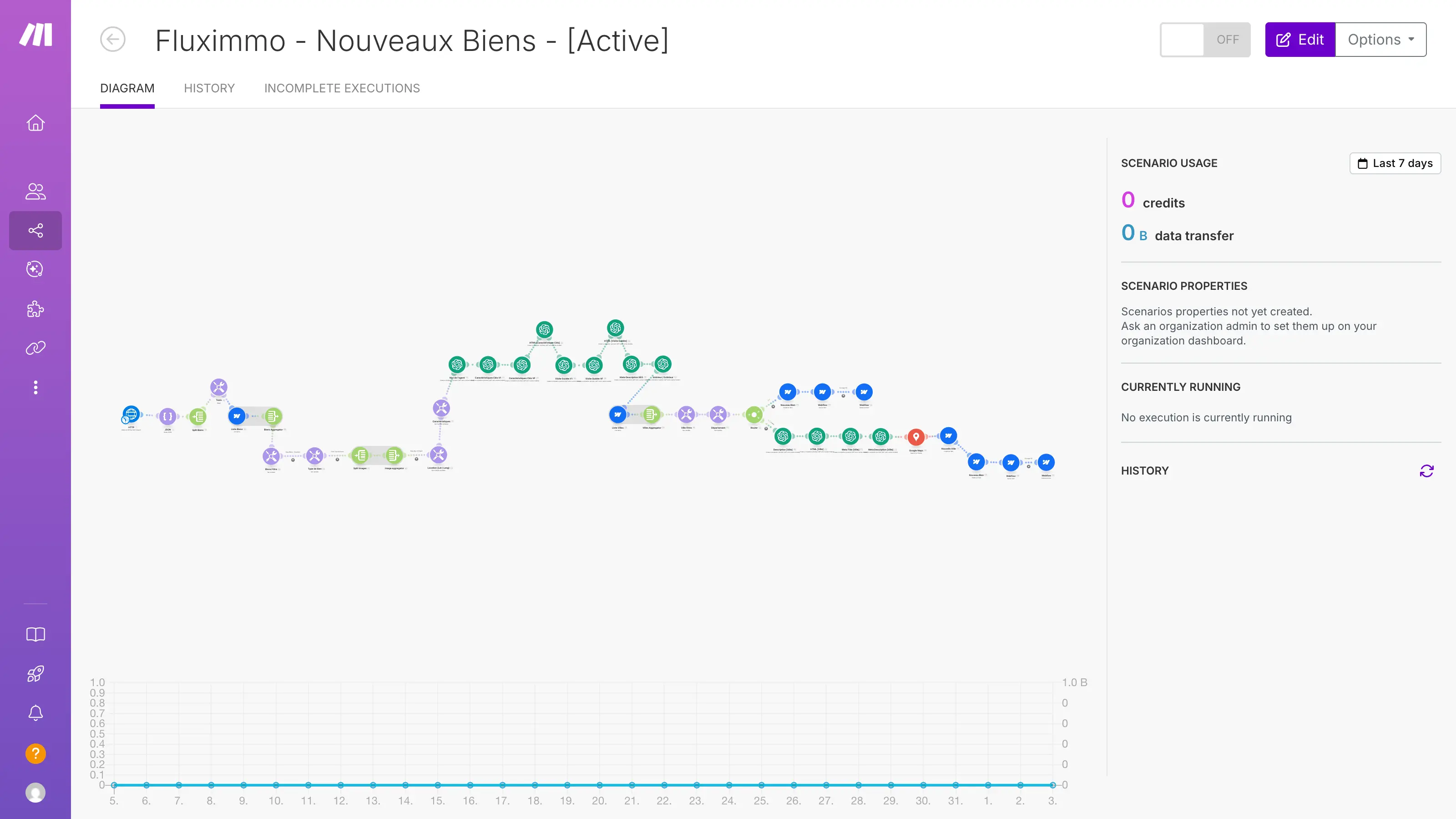
Make provides a visual workflow builder that allows users to create complex automations with multiple steps and conditions.
Real Use Case
An eCommerce business can automate order processing, inventory updates, and customer notifications in one workflow.
Pricing
- More affordable than Zapier
- Pay based on operations
Pros
- Highly flexible
- Visual workflow design
- Better for complex automation
Cons
- Steeper learning curve
- Interface can feel overwhelming
Best For
Businesses that need advanced automation without high costs.
3. n8n
What It Does
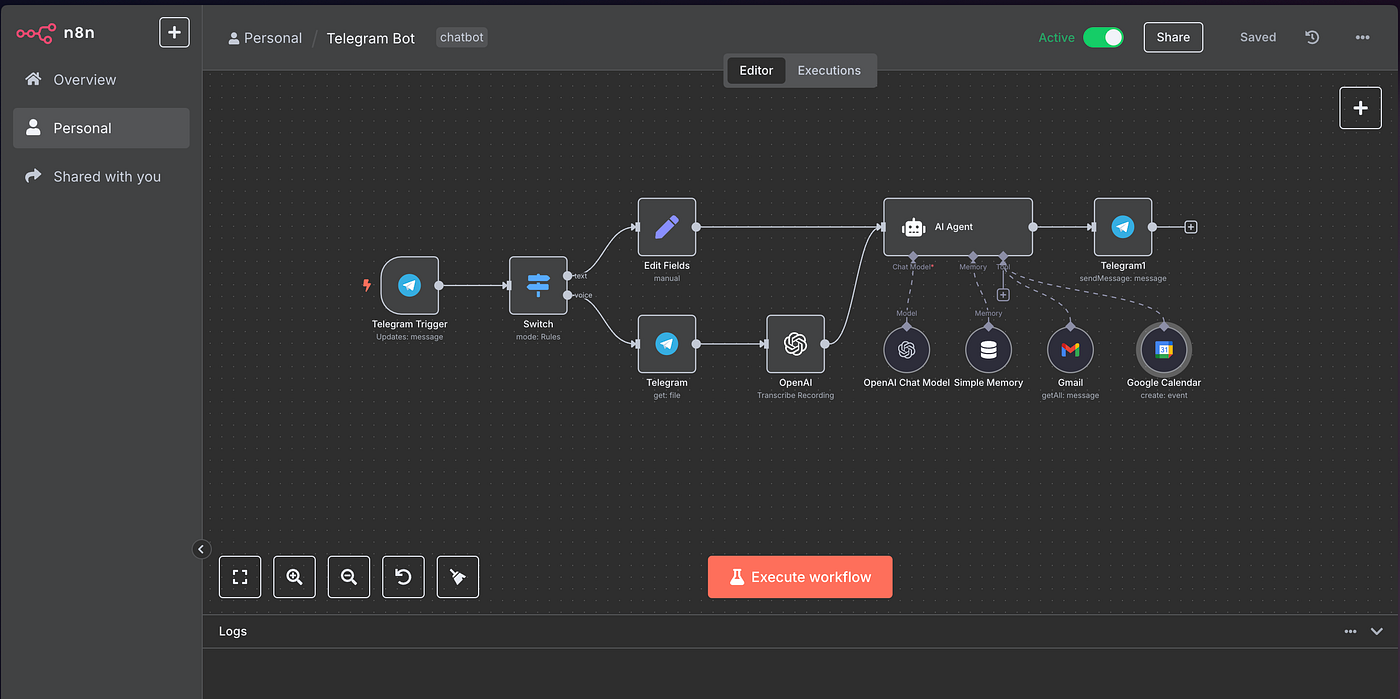
n8n is an open-source automation tool that offers complete control over workflows and data.
Real Use Case
A developer can build custom workflows that integrate APIs, databases, and internal systems.
Pricing
- Free if self-hosted
- Paid cloud version available
Pros
- Extremely flexible
- No usage limits when self-hosted
- Full control over data
Cons
- Requires technical knowledge
- Setup can be complex
Best For
Developers, technical founders, and businesses needing full customization.
Zapier vs Make vs n8n: Key Differences
Ease of Use
- Zapier is the easiest
- Make requires some learning
- n8n is technical
Pricing
- Zapier is the most expensive
- Make offers better value
- n8n is cheapest if self-hosted
Flexibility
- Zapier is limited
- Make is powerful
- n8n is unlimited
Which One Should You Choose?
Choose Zapier if:
- You want simplicity
- You are a beginner
- You need quick automation
Choose Make if:
- You want flexibility
- You handle complex workflows
- You want better pricing
Choose n8n if:
- You want full control
- You are technical
- You want to avoid subscription costs
How Automation Improves Profitability
Automation tools reduce manual work, lower operational costs, and improve efficiency.
Businesses that use automation effectively can:
- Save time
- Reduce hiring needs
- Scale operations faster
If you’re focused on improving profit margins, implementing automation tools is one of the most effective strategies.
Common Mistakes to Avoid
Choosing Based on Popularity
Just because Zapier is popular does not mean it is the best choice for your needs.
Ignoring Scalability
Some tools become expensive as usage grows.
Overcomplicating Workflows
Start simple and expand gradually.
Final Thoughts
Zapier, Make, and n8n are all powerful tools, but they serve different types of users.
The best choice depends on your technical ability, budget, and business needs.
If you are just starting, simplicity matters.
If you are scaling, flexibility becomes critical.
If you want full control, customization is key.
Choosing the right automation tool can save time, reduce costs, and significantly improve how your business operates.
Related reading
More tool guides worth reading on Velzeno: